How answering pre-purchase questions converts Shopify visitors into buyers
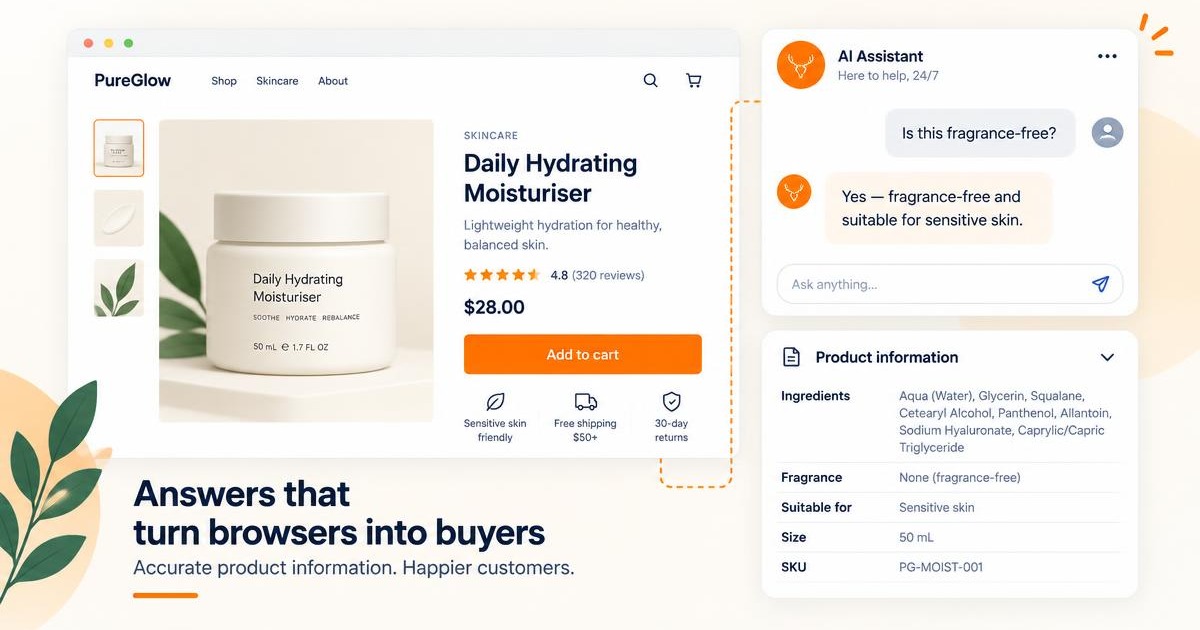
Table of contents
- Why unanswered questions kill Shopify conversions
- The 4 question types that stop purchases most often
- How to train your chatbot to answer pre-purchase questions
- Why answering questions converts better than discounting
- What to measure
- Frequently asked questions about converting Shopify visitors with an AI chatbot
For most Shopify stores, 97-98% of visitors leave without buying. That's not a traffic problem. It's a conversion problem. And for a large portion of those visitors, the reason isn't price or product quality. It's an unanswered question they had at the moment of decision.
A visitor who wants to know whether a moisturiser is fragrance-free, whether a jacket is available in their size, or whether an order will arrive before a specific date has a question with a specific answer. If they can get that answer immediately, the last barrier between hesitation and purchase disappears. If they can't, they leave.
An AI chatbot trained on your store data answers these questions instantly, in plain language, the moment a visitor asks. This article covers the four question types that stop purchases most often, how to train a chatbot to answer them accurately, and how to measure whether it's working.
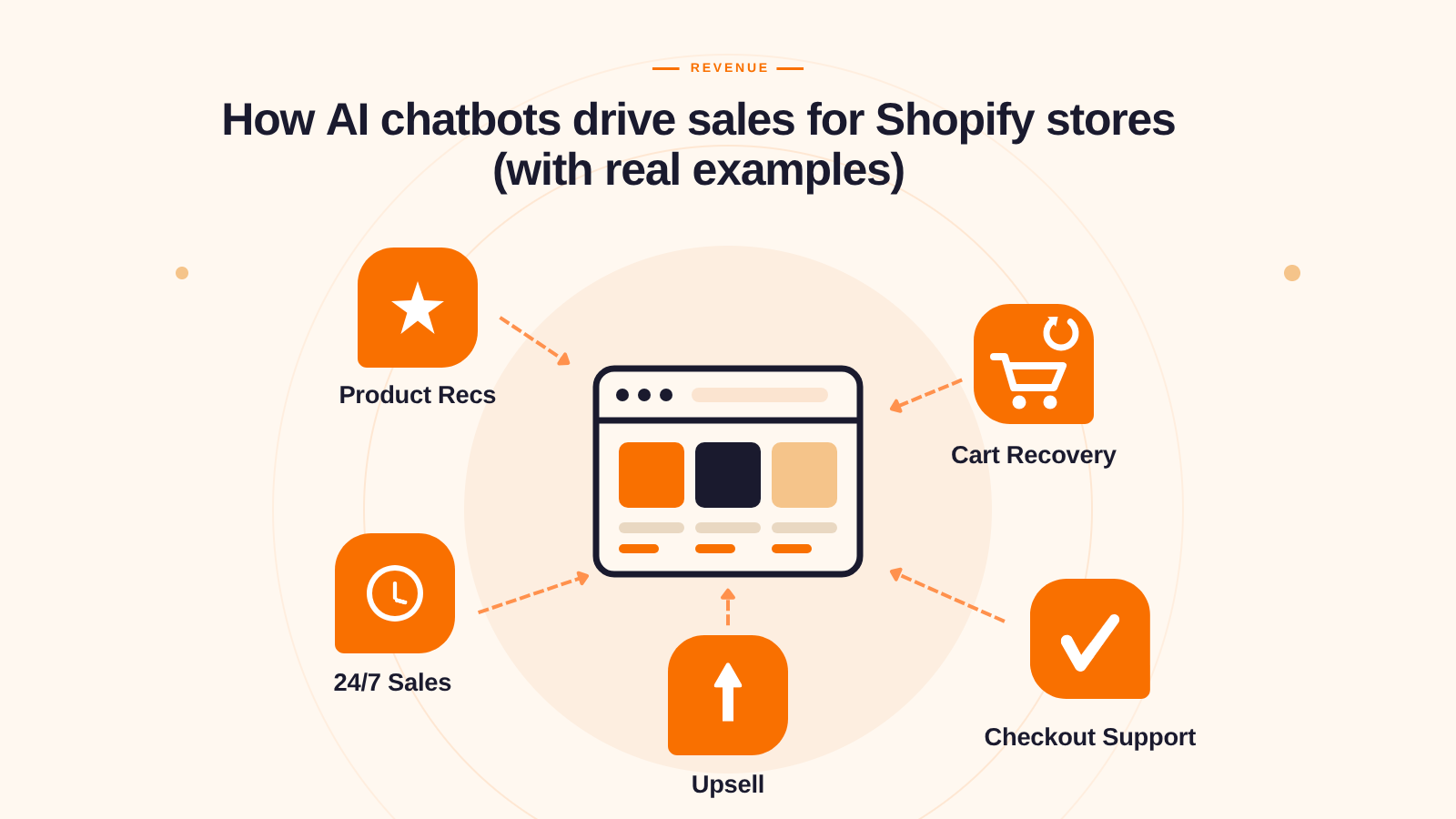
For the broader case on how AI chatbots drive revenue, see: [How AI chatbots drive sales for Shopify stores](/blog/how-ai-chatbots-drive-sales-shopify)
---
Why unanswered questions kill Shopify conversions
The average Shopify store conversion rate sits between 1.2% and 3.5%, according to Shopify's own data. For a store getting 10,000 monthly visitors, that's between 9,650 and 9,880 people leaving without buying every month.
Traditional conversion rate optimisation advice covers the static elements of your store: better product photography, trust badges, social proof, checkout flow improvements. These reduce hesitation caused by poor presentation. They don't address hesitation caused by a specific question a visitor has that isn't answered on the page.
The visitor who isn't sure whether size L will fit them, whether the product ships to their country, whether there's a free returns policy, or whether an ingredient is safe for their skin type has a question with a specific answer. If they can't find it quickly, they leave. Most won't come back.
Shopify's data shows that stores where visitors receive a quick response via chat see up to 69% higher conversion rates. The mechanism is direct: a visitor who asks a question and gets an accurate, immediate answer removes the last barrier between hesitation and purchase.
This is where an AI chatbot for Shopify makes its clearest contribution to conversion. Not through pop-ups, discounts, or urgency tactics. Through answering the specific question that was stopping the purchase.
---
The 4 question types that stop purchases most often
Not all pre-purchase questions are equally common. These four categories account for the majority of the questions that stop purchases across most Shopify stores, and the four categories an AI chatbot handles most effectively.
1. Product specification questions
"Does this moisturiser contain parabens?", "Is this available in size XL?", "Is this compatible with iOS 17?", "What's the thread count on these sheets?"
The visitor wants a specific piece of product information that either isn't on the page or isn't easy to find. They won't buy without the answer. If the chatbot is trained on accurate product data, it answers instantly. If it's not, the visitor leaves to find the answer elsewhere and often doesn't come back.
This category accounts for the majority of pre-purchase questions in stores with large or complex catalogs. A skincare brand with 60 products and specific ingredient concerns, a fashion store with dozens of sizing variations, a tech accessories store where compatibility is the deciding factor: all of them have high volumes of specification questions that, when answered, convert.
2. Shipping and delivery questions
"How long does delivery take to Australia?", "Do you offer express shipping?", "Will this arrive before December 20th?", "Do you ship to Canada?"
These have defined answers that exist in your shipping settings. A visitor who needs the item by a specific date or needs it delivered to a specific location has a binary decision to make. The chatbot provides the information and they decide. Without the chatbot, they may leave before finding the shipping page.
For international stores, this category often accounts for a disproportionate share of pre-purchase friction. Visitors from markets where shipping is uncertain or expensive need confirmation before they commit. An immediate, accurate shipping answer is the difference between an order and a bounce.
For how these same questions reduce your support ticket volume when answered automatically, see: [How to Reduce Support Tickets on Your Shopify Store with AI](/blog/reduce-support-tickets-shopify-ai)
3. Return and policy questions
"Can I return this if it doesn't fit?", "What's your return window?", "Do I pay for return shipping?", "Is there an exchange option?"
These questions come up just before a commitment-averse visitor decides whether to take the risk. A clear, confident return policy answer removes the perceived risk of buying the wrong thing. A visitor who knows they can return easily is significantly more likely to add to cart on a first visit, because the downside of being wrong is manageable.
The chatbot's advantage here is tone and speed. A policy page is text the visitor has to find and read. A chatbot answer is immediate, conversational, and confirms the policy directly in response to the visitor's specific concern.
4. Comparison and decision questions
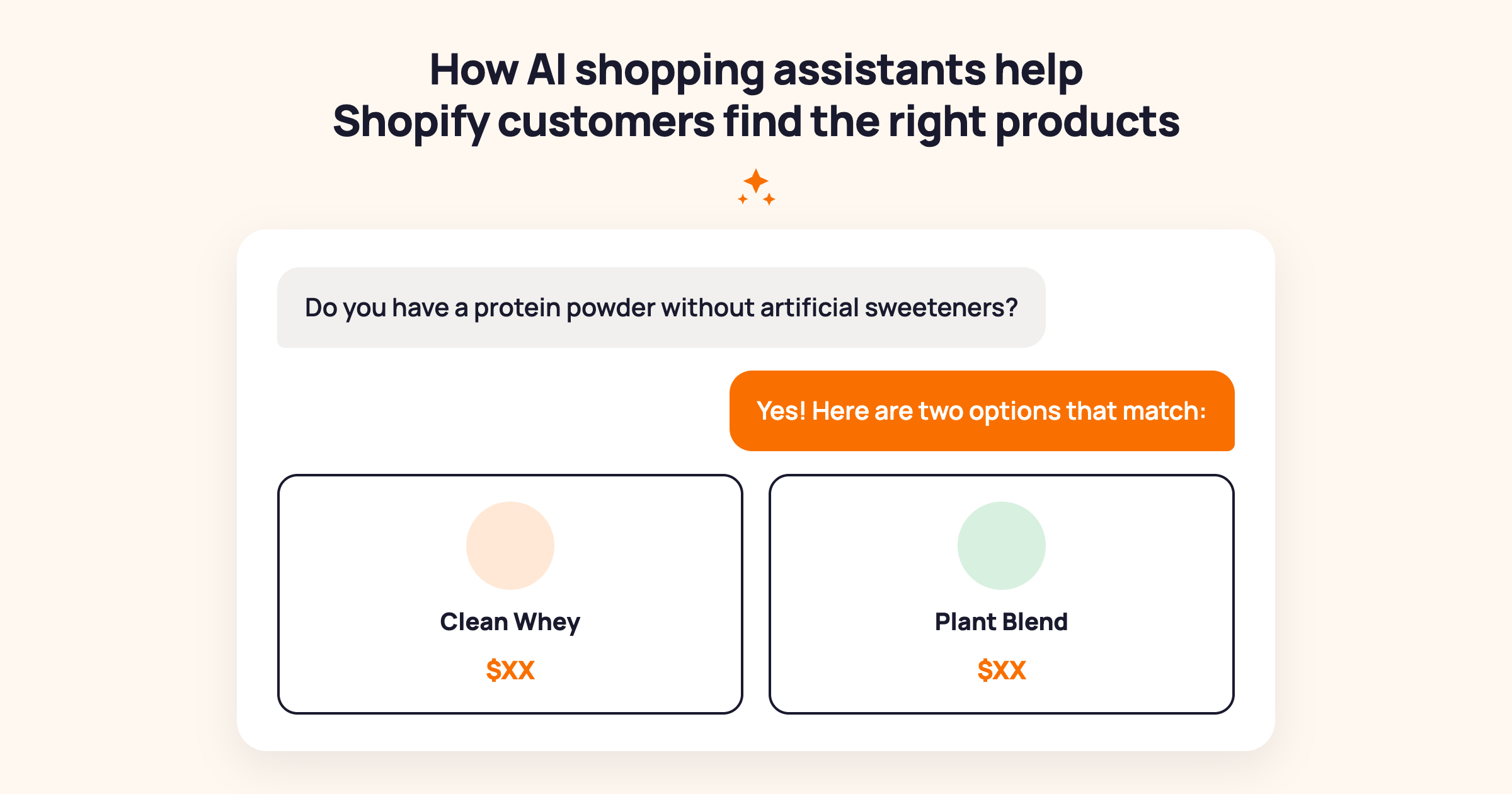
"What's the difference between your two protein powders?", "Should I get the 30ml or the 100ml?", "Which of these mattresses works best for side sleepers?"
The visitor is deciding between options and needs one more piece of information to commit. This is the highest-value question type because the visitor is already ready to buy. They have intent. They just need help choosing.
A chatbot that can compare two products clearly, based on your actual product data, gives the visitor what they need to make a decision and complete the purchase. The comparison answer doesn't create purchase intent. It resolves the last hesitation blocking a visitor who already has it.
For more on AI-assisted product discovery and comparison, see: [How AI Shopping Assistants Help Shopify Customers Find the Right Products](/blog/ai-shopping-assistant-shopify)
---
How to train your chatbot to answer pre-purchase questions
The chatbot's accuracy on pre-purchase questions depends almost entirely on the quality of your training data. A chatbot trained on specific, customer-language product information converts. One running on generic templates does not. These seven steps build the right foundation.
Step 1: Audit your pre-purchase questions. Pull the last 30 days of questions from your support inbox and chat logs. Filter for questions that came before an order was placed, or that never resulted in an order. These are your conversion-blocking questions. Most stores find 15-30 recurring question types that account for the majority of pre-purchase friction. These become your training priority list.
Step 2: Choose a Shopify-native AI chatbot. Look for three things: native connection to your Shopify product catalog, no-code knowledge base setup, and the ability to answer product-specific questions accurately. The best chatbot for Shopify stores is one that reads live product data rather than a manually updated knowledge base. MooseDesk is an AI chatbot for Shopify that connects directly to your product data and lets you load your FAQ answers without code.
Step 3: Train on product data first. Connect the chatbot to your live Shopify product catalog. Test it with 10 product-specific questions pulled from your audit in Step 1. Verify that ingredient, sizing, and compatibility answers are accurate before loading policy content. Product data is the foundation. Policy content builds on top.
Step 4: Load your top 15-20 pre-purchase FAQ answers. Write the answers in the language your customers use, not the language of your FAQ page. Your FAQ says "returns are accepted within 30 days of purchase date." Your customers ask "can I return this if it doesn't fit?" Both phrasings need to be in the knowledge base. Train on the question as asked, not the policy as written.
Step 5: Write answers for your comparison questions. For each pair of products customers frequently compare, write a clear, specific comparison answer. "The 30ml is right for daily use and trying something new. The 100ml saves 20% per ml and is the better choice if you've already used the product." Load these as explicit FAQ pairs. Generic "they're both great options" answers don't convert.
Step 6: Set escalation for complex decisions. Some pre-purchase decisions are too nuanced for a chatbot: bespoke items, compatibility with specialist equipment, high-consideration luxury purchases. Configure the chatbot to recognise these and offer a live agent. A visitor who gets a human on a high-value question is more likely to buy than one who gets an inadequate chatbot answer.
Step 7: A note on proactive messaging. MooseDesk's current feature set focuses on reactive question-answering: the chatbot responds when a visitor asks. Proactive triggers, where the chatbot opens a conversation automatically after a time delay or based on page behaviour, are not currently a MooseDesk feature. For stores that want the proactive layer alongside reactive question-answering, Shopify Inbox (free, built-in) provides basic live chat that agents can use to reach out to hesitating visitors during business hours.
Here's something from our own experience worth sharing: the team behind MooseDesk has been building Shopify solutions for over 10 years, and MooseDesk launched in 2023 with pre-purchase question-answering built into the core feature set. The pattern we see most consistently is that the chatbot answers that convert are the ones specific to the product the visitor is asking about, not general policy statements. A visitor asking about a specific moisturiser gets "this moisturiser is fragrance-free and dermatologist-tested for sensitive skin" rather than "we carry a range of skincare products suitable for different skin types." Specificity is the difference between an answer that reassures and one that sends the visitor elsewhere. Training the chatbot to answer about specific products rather than general categories is the single highest-impact training decision most merchants make in the first week.
For the complete installation guide, see: [How to add live chat and AI chatbot to your Shopify store](/blog/how-to-add-ai-chatbot-shopify)
---
Why answering questions converts better than discounting
The default conversion tactic for most Shopify merchants is the discount. A pop-up offering 10% off for email signup, an exit-intent overlay with a promo code, a countdown timer creating urgency. These work. But they work by reducing the price, which reduces the margin.
Answering a question converts the visitor at the price they came to pay. A shopper who was going to buy the $80 moisturiser if they knew it was fragrance-free doesn't need a discount. They need an answer. The chatbot gives them the answer. They buy at full price.
The compounding math: a chatbot that handles 50 pre-purchase questions per month, converting 20% of those conversations, adds 10 full-price purchases per month that would otherwise have been bounced visitors. At $80 average order value, that's $800 in additional monthly revenue at full margin, with no discount cost.
Discounts recover some of the visitors who leave. Answers prevent visitors from leaving in the first place. Both have a place in a conversion strategy. For visitors who are already interested and just need information, an answered question is more margin-efficient than a discount.
The secondary benefit: a pre-purchase question answered by the chatbot is also a support ticket that never gets filed after the purchase. The same interaction that converts the visitor also reduces your post-purchase support volume.
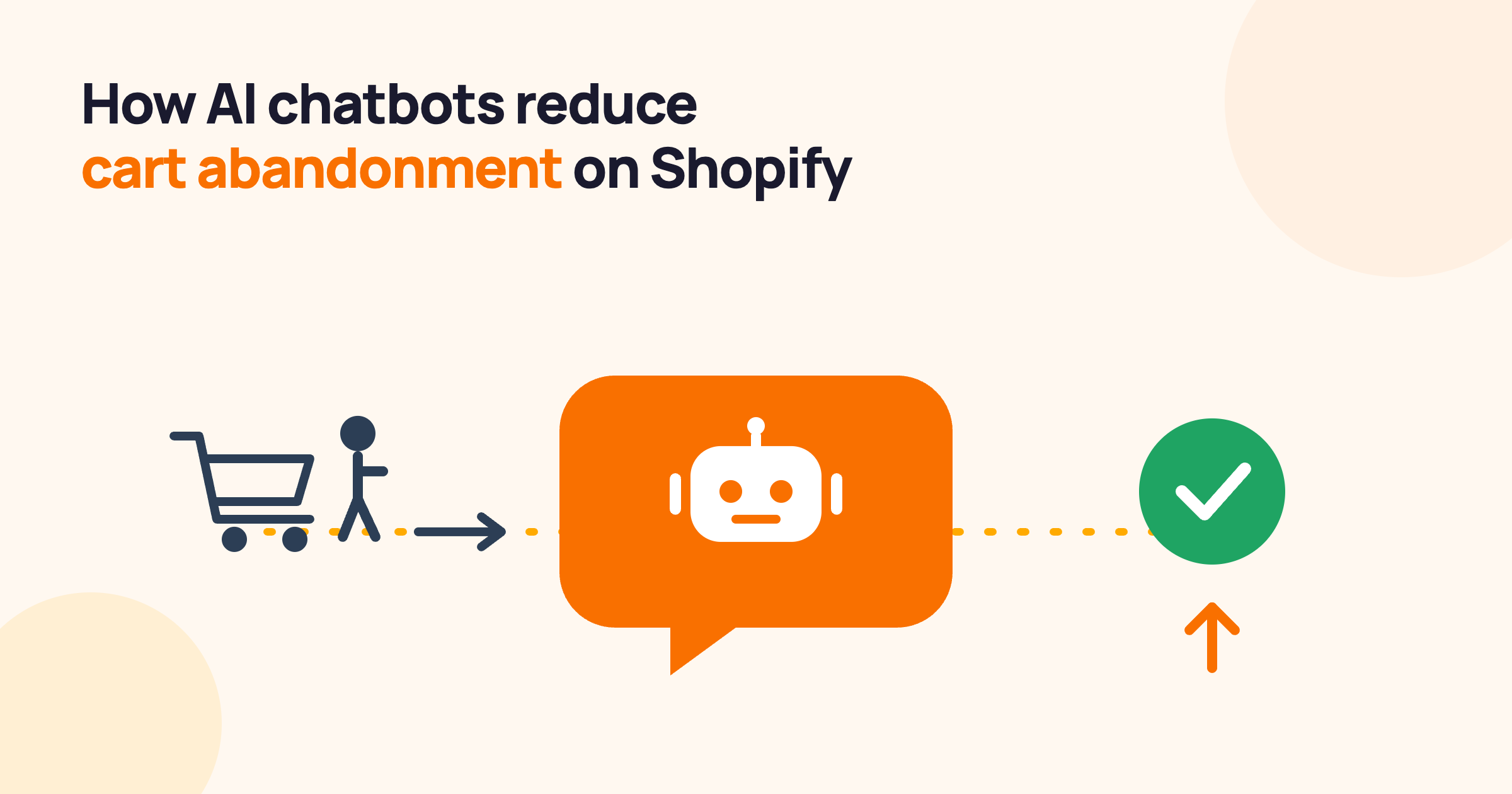
For how chatbots reduce checkout abandonment through pre-checkout question-answering, see: [How AI Chatbots Reduce Cart Abandonment on Shopify](/blog/ai-chatbot-reduce-cart-abandonment-shopify)
---
What to measure
Three metrics tell you whether your chatbot is converting visitors through question-answering.
Pre-purchase question resolution rate. Of the visitors who ask a product or policy question before purchasing, what percentage get a useful answer without escalating to a human? Target: above 70% after the first month of active training. Below 50% means the knowledge base has significant gaps on the questions that matter most for conversion. Check the fallback logs for the most common unanswered question types and add those answers first.
Conversation-to-purchase rate. Of the visitors who ask the chatbot a question and get an answer, what percentage complete a purchase in the same session? Compare this to your store's baseline conversion rate for unassisted sessions. If chatbot-assisted sessions convert at a meaningfully higher rate, the question-answering is working as a conversion lever. This is the primary metric.
Pre-purchase question volume (monthly trend). Track how many pre-purchase questions the chatbot handles each month. As knowledge base quality improves, resolution rate should increase and the questions reaching your human support queue should decrease. Both moving in the right direction simultaneously confirms the training is effective.
For the full chatbot metrics framework, see: [AI Chatbot Metrics: What to Track to Know If It's Actually Working](/blog/ai-chatbot-metrics-what-to-track)
---
Frequently asked questions about converting Shopify visitors with an AI chatbot
How can I convert Shopify visitors into buyers for free?
Start with a Shopify-native AI chatbot on a free plan. MooseDesk's free plan includes AI chatbot with unlimited replies and training on up to 100 products, enough to answer the most common pre-purchase questions on most stores. The biggest free conversion lever is accurate answers to product and policy questions: a visitor who gets an immediate answer to the question stopping their purchase is significantly more likely to complete it. Shopify Inbox is also free and provides live chat for stores that want a human agent available during business hours.
Does adding a chatbot actually increase Shopify sales?
Yes, when the chatbot is trained on the specific questions that stop purchases on your store. Shopify's data shows stores where visitors receive quick chat responses see up to 69% higher conversion rates. The mechanism is specific: a visitor with an unanswered question who gets an accurate immediate answer converts. A chatbot running on generic templates that can't answer the specific questions your visitors ask sees minimal conversion impact. Training quality determines the conversion impact, not the technology itself.
What is a good conversion rate for a Shopify store?
The average Shopify store converts between 1.2% and 3.5% of visitors, according to Shopify's own benchmarks. Top-performing stores reach 3.5-5%. A 0.5 percentage point improvement on a store with 10,000 monthly visitors and a $60 average order value is worth $3,000 in additional monthly revenue. Chatbot-assisted sessions where a pre-purchase question is answered typically convert well above the store average because the visitor is already interested. They just needed information to commit.
How is a chatbot different from a discount pop-up for conversion?
A discount pop-up converts by reducing the price. A chatbot converts by removing the information barrier stopping the purchase. For visitors who are already interested and have a specific question, an answered question converts them at the full price they came to pay. A discount isn't needed. Reducing the price reduces your margin. Both have a place in a conversion strategy, but for information-blocked visitors, the chatbot is the more margin-efficient tool.
---
Most Shopify stores treat low conversion as a traffic problem and try to solve it by getting more visitors. For many stores, the real issue is simpler: a significant portion of the visitors they already have are leaving with unanswered questions. The most effective way to convert website visitors into buyers isn't more traffic or bigger discounts. It's answering the question that was stopping the purchase.
For the complete picture on what AI chatbots can do across your Shopify store, see our [complete guide to AI chatbots for ecommerce](/blog/ai-chatbot-for-ecommerce).
MooseDesk's AI chatbot is trained on your Shopify product catalog and answers pre-purchase questions instantly: the specific questions stopping your visitors from buying. Start converting information-blocked visitors today.
Try MooseDesk
Turn every support ticket into a chance to grow your Shopify store.
Free plan available. 1-min setup. 24/7 support.